FMCSA 49 CFR 391.21 application
Captures the required employment-application fields, disclosures, and certifications.
Invite drivers into an FMCSA employment application, collect documents and signatures, track progress, and move completed files into DQF tracking.
14-day free trial · No card required · Cancel anytime
Driver Employment Application
FMCSA 49 CFR 391.21 · Step 3 of 11 — License
FMCSA 391.21(b)(5-7) — CDL details and driving experience.
Exactly as shown on your license
Must be a future date
License History
Draft saved at 2:14 PM
Send one invitation and let drivers complete the application, upload documents, and sign from their phone. Your office gets live status instead of text-message follow-up.

From invite to a complete, signed DQ file — without the back-and-forth.
Text or email an application link from your dashboard — no app download, no paperwork to mail.
Personal info, 3-year history, documents, and e-signature — guided step by step, saved as they go.
The signed application flows straight into the driver’s qualification file and compliance tracking.
Send an invitation and the driver completes their application, uploads documents, and signs from their phone. Your office can track progress as each step is completed.
 Fleetive
Driver Employment Application
FMCSA 49 CFR 391.21 · License
CDL details and driving experience.
Captures the required employment-application fields, disclosures, and certifications.
CDL, medical card, and supporting docs — captured from the camera or files.
ESIGN/UETA signatures bound to the exact submission, stored with the file.
See exactly which step each applicant is on — no more text-message follow-up.
Collects the 3-year history FMCSA requires, with gap validation built in.
Approved applications populate the DQ file with a full, time-stamped audit trail.
Applications capture the FMCSA employment application fields, bind signatures to the submission, and store the audit trail with the completed file.
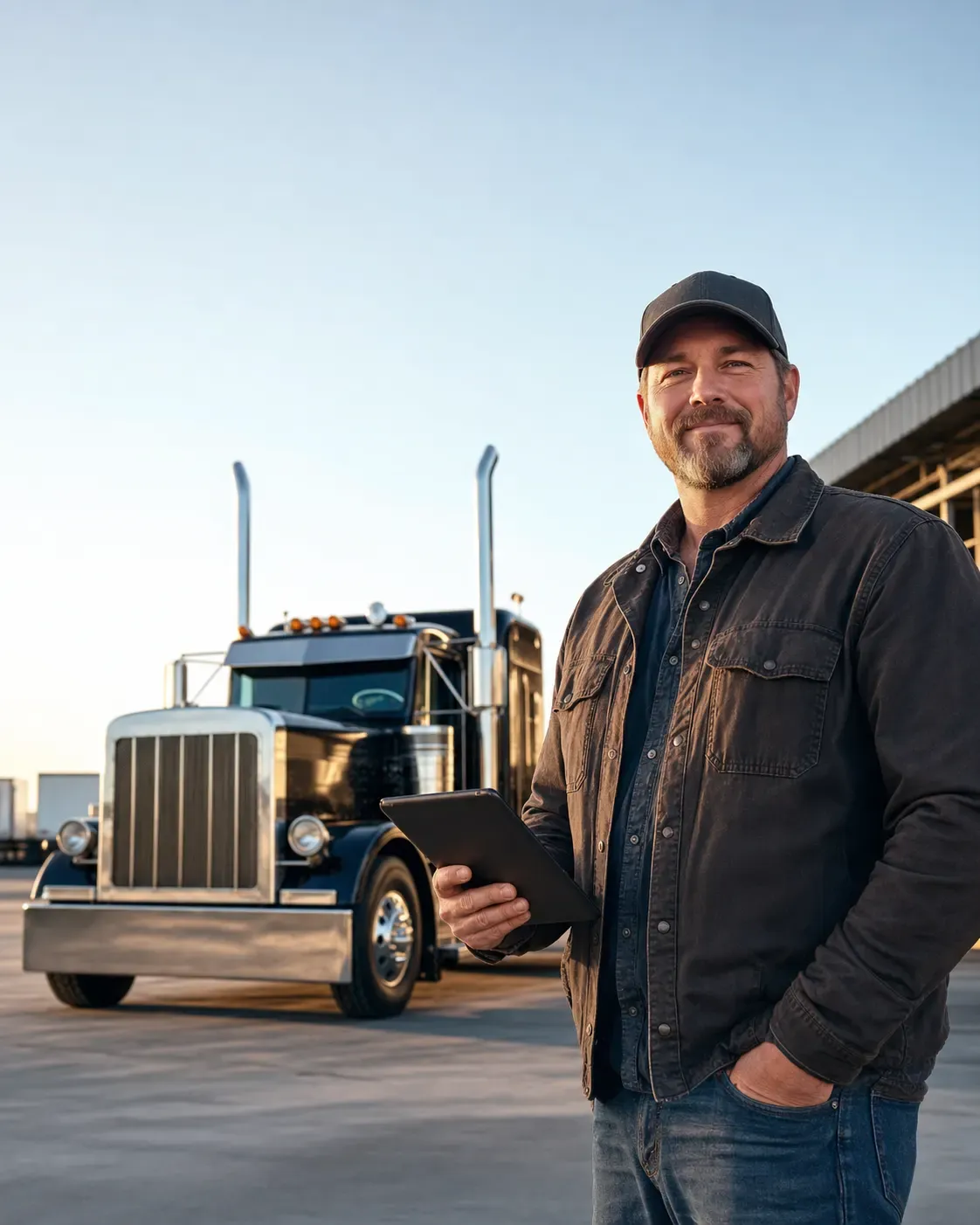
When a driver finishes onboarding, their application, documents, and signatures are already filed in the DQF — so the first day on the road starts compliant, not catching up.
Start your free trial →You send a secure application link by text or email from your dashboard — no app to download. Drivers tap the link and complete everything from their phone.
Yes. The driver application is built around FMCSA 49 CFR 391.21 (Subpart C) and captures the required employment-application fields, history, and disclosures.
Yes. Drivers e-sign under ESIGN/UETA, and the signature is bound to the exact submission and stored with the audit trail.
The completed, signed application flows straight into that driver’s Driver Qualification File. Your team reviews and approves, and every action is recorded in the audit trail.
No. Onboarding runs in the mobile browser from the invite link — one login covers the driver portal afterward, with no separate app to install.
Start your 14-day free trial. No card required, no hardware required, cancel anytime.